Reports and dashboards from any SQL database
Ops Insights is a database reporting tool that connects to any SQL-based system. Our analysts write the reports; your team gets them as dashboards, scheduled Excel, CSV or PDF files and KPI alerts, without learning SQL or a BI tool.
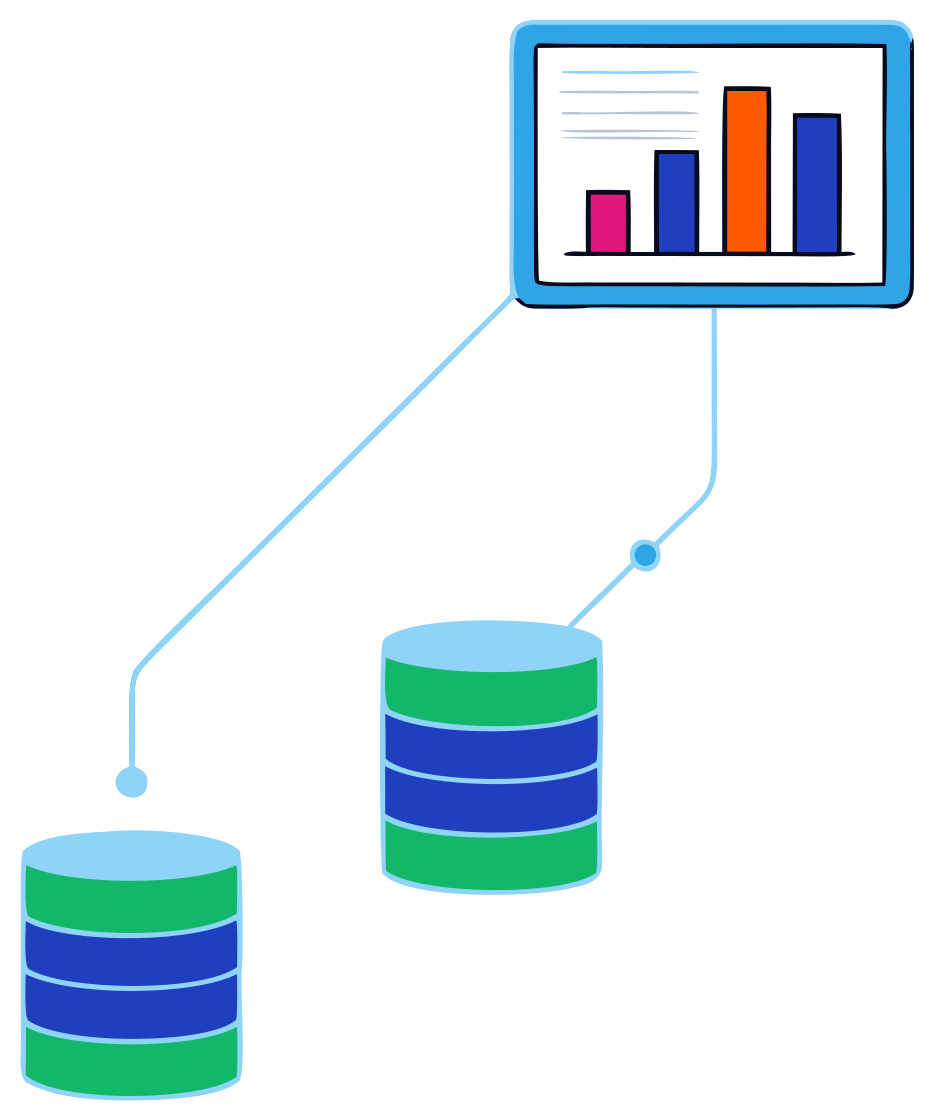
How can I generate reports from a database?
Write the SQL yourself
Query the database, export to a spreadsheet and format it. It works until the person who knows the tables is busy, on leave or gone.Buy a self-service BI tool
Powerful, but someone still has to model the data and build every report. That someone is usually an analyst you have to hire.Use a done-for-you reporting tool
Ops Insights connects to your database, and analysts write and maintain the reports. You describe what you need and approve the result.
From request to report
- 1
Request
Describe the report: what it's for, the columns you want and how to show it. Attach an example if you have one. Your administrator approves the request. - 2
Build
Our report-writing team of business analysts writes the SQL against your data. The request shows its status, notes and turn time throughout. - 3
Approve and use
Preview the results and approve them. The report joins your library, ready for dashboards, scheduled delivery and alerts.
What a database reporting tool should give you
A secure, tested connection
Onboarding starts by setting up and testing a secure connection with your IT team, using a database login you control.Access by role
Reports are assigned to access roles. Criteria can be fixed by role or person, so a branch manager sees only their own branch.Outputs people already use
Excel, CSV and PDF downloads and scheduled emails, plus dashboards with drilldown to the record.A library, not a blank page
Title agencies start with turnkey report libraries for their production software. Title industryPeople who know the data
The analysts who write your reports also handle revisions, so a report keeps up when your needs change.Alerts on exceptions
Any number in a report can trigger an email when it crosses a threshold. KPI alerts
Leaving Crystal Reports or SSRS?
Many companies run reports someone built years ago in Crystal Reports or SQL Server Reporting Services. When that person moves on, every change becomes a project.
Send us the reports you rely on, or describe them. Our analysts rebuild them in Ops Insights against the same database, and from then on they can be scheduled, shared and turned into dashboards and alerts.
Questions about database reporting
- Which databases does Ops Insights connect to?
- Any SQL-based system. Tell us what your system runs on when you book a demo and we'll confirm the connection during onboarding.
- Do we need a data warehouse first?
- No. Ops Insights reports from the database behind your operational system.
- Can we change a report later?
- Yes. Request a revision in the app, and our analysts update the report and send it back for your approval.
- Is Ops Insights only for title companies?
- No. It started in title, and it is expanding to other industries that run on SQL databases.
Related
- Operational dashboardsKPI tiles with drilldown, and alerts when a number crosses a line
- Automated reportingScheduled reports by email, as Excel, CSV or PDF
- Vendor scorecardsSLA and turnaround reporting from your transaction data
- Accounting data exportFinancial and transaction data, shaped for your accounting system
Discover a better bottom line
See your own reports, dashboards and alerts in a 30-minute demo. We'll walk through what Ops Insights would look like on your data.